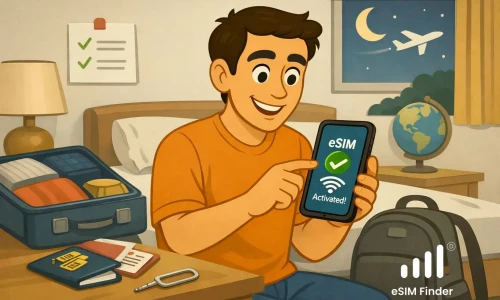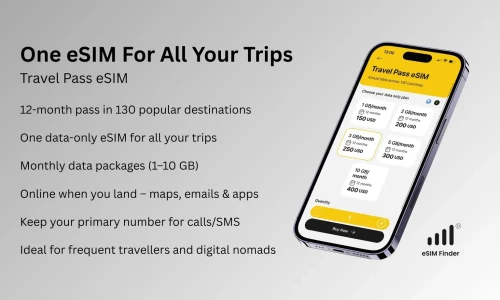

iOS 26 is here: prettier UI, smarter core, and a big win for travel eSIM. Setup is smoother and truly user-friendly, so more travelers are ditching plastic for tap-and-go data. With Apple’s eSIM-only iPhone, the future’s already in your pocket.
🎥 Quick eSIM Finder demo: Install a travel eSIM on iOS 26.
Watch the short tutorial and follow the steps on your new iPhone: video tutorial.
What is Travel eSIM?
A travel eSIM is a digital SIM embedded in your device that lets you buy and activate prepaid data plans online - no physical SIM required. That’s it. Your normal SIM stays where it is. Your phone number does not change.
What you won't lose
- Your phone number - calls and SMS can still use your main eSIM.
- Your contacts and apps - nothing is deleted.
- Control - you can turn the travel eSIM on/off or remove it after the trip.
How to get Travel eSIM?
The eSIM Finder app helps you discover affordable travel eSIM options for your destination in just seconds. It’s designed to be lightweight, intuitive, and accessible - perfect for users who are new to eSIM technology or feel overwhelmed by other more complex travel apps.
Fast Answers
- What do I need to install my travel eSIM?
- How can I check if my device supports eSIM?
- Will my WhatsApp number stay active with a travel eSIM?
You’ll find answers to these questions and more on our FAQ page.
🌍 Ready to Go Digital?
Skip the SIM card shuffle, get the eSIM Finder app today and see how easy travel eSIM can be.
🌐 Want to Dive Deeper into Travel eSIM?
Check out our latest articles on Medium:
- Why Roaming Data Bills Are So Expensive
- SIM vs eSIM: Save on Roaming, Skip the Hassle
- How Apple Is Leading the eSIM Revolution
- The Barriers to eSIM Adoption — And How to Solve Them
👉 Or explore all our stories on the eSIM Finder Medium page and practical video tutorials on our youtube channel.