TL;DR: Apple’s new iPhone 17 Air drops the SIM tray worldwide, becoming the first eSIM-only flagship ever. This signals momentum for eSIM in Europe, Asia, and beyond—not just the U.S.
What’s the big deal?
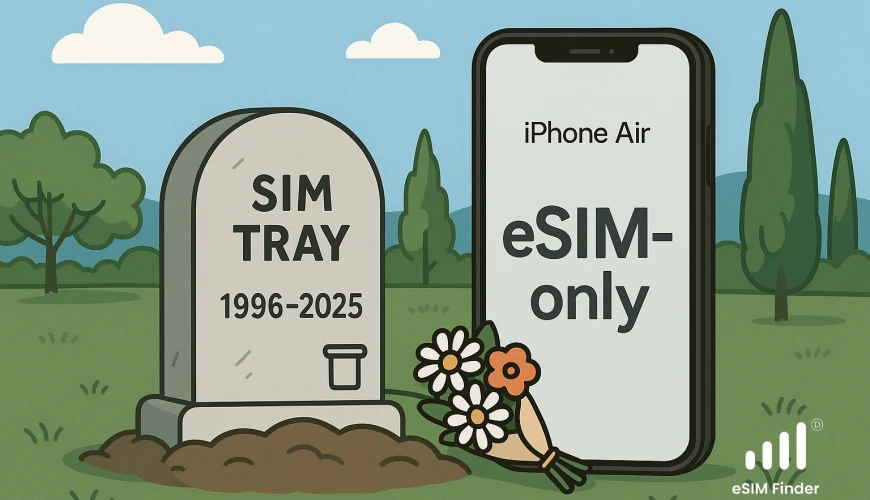
Apple loves pulling the future forward. With iPhone 17 Air, it goes eSIM-only worldwide—no physical SIM slot at all. That’s a strong push for the whole industry to go fully digital.
iPhone 17 Air in one breath
Apple’s thinnest iPhone yet (just 5.6 mm) with a bright 6.5" ProMotion display, a new A19 Pro chip, and a next-gen modem. The missing SIM tray helps it stay feather-thin.
Why eSIM-only is better
Space for good stuff: No SIM slot = more room inside (hello, battery).
Security: You can’t pull an embedded SIM out of a stolen phone.
Travel wins: Store multiple profiles (up to eight) , switch in minutes, no plastic to juggle.
What it means for you (worldwide)
Buying an iPhone 17 Air anywhere in the world? You’ll activate with an eSIM from a supporting carrier—physical SIMs won’t work. Most carriers now support quick eSIM activation via QR or app, and Apple Stores can help you move your number smoothly.
Traveler tip: a travel eSIM lets you land, scan, and go—no roaming bill shock and no airport SIM hunts.
What is Travel eSIM?
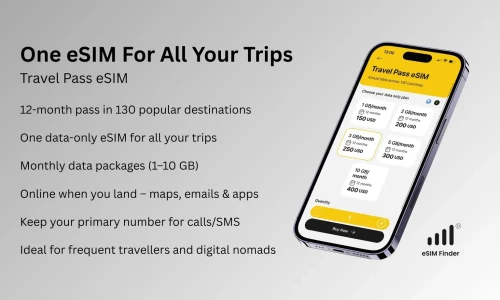
A travel eSIM is a digital SIM embedded in your device that lets you buy and activate prepaid data plans online - no physical SIM required. That’s it. Your normal SIM stays where it is. Your phone number does not change.
What you won't lose
- Your phone number - calls and SMS can still use your main eSIM.
- Your contacts and apps - nothing is deleted.
- Control - you can turn the travel eSIM on/off or remove it after the trip.
How to get Travel eSIM?
The eSIM Finder app helps you discover affordable travel eSIM options for your destination in just seconds. It’s designed to be lightweight, intuitive, and accessible - perfect for users who are new to eSIM technology or feel overwhelmed by other more complex travel apps.
Watch: iPhone travel eSIM setup (eSIM Finder app)
Watch the short video guide on your iPhone.
Fast Answers
- What do I need to install my travel eSIM?
- How can I check if my device supports eSIM?
- Will my WhatsApp number stay active with a travel eSIM?
You’ll find answers to these questions and more on our FAQ page.
🌍 Ready to Go Digital?
Skip the SIM card shuffle, get the eSIM Finder app today and see how easy travel eSIM can be.
🌐 Want to Dive Deeper into Travel eSIM?
Check out our latest articles on Medium:
- Why Roaming Data Bills Are So Expensive
- SIM vs eSIM: Save on Roaming, Skip the Hassle
- How Apple Is Leading the eSIM Revolution
- The Barriers to eSIM Adoption — And How to Solve Them
👉 Or explore all our stories on the eSIM Finder Medium page and practical video tutorials on our youtube channel.